AtomLens
AtomLens helps you open, browse, and understand molecule and reaction files on Mac and iPad. Review clean 2D structures and reaction schemes, inspect identifiers and key properties, save important files into a shared Managed Repository, and keep that repository in iCloud when sync is enabled.

What it does
- Open chemistry formats such as MOL, SDF, SMILES, CXSMILES, Reaction SMILES, InChI, MOL2, PDB, XYZ, CML, RXN, and RDF.
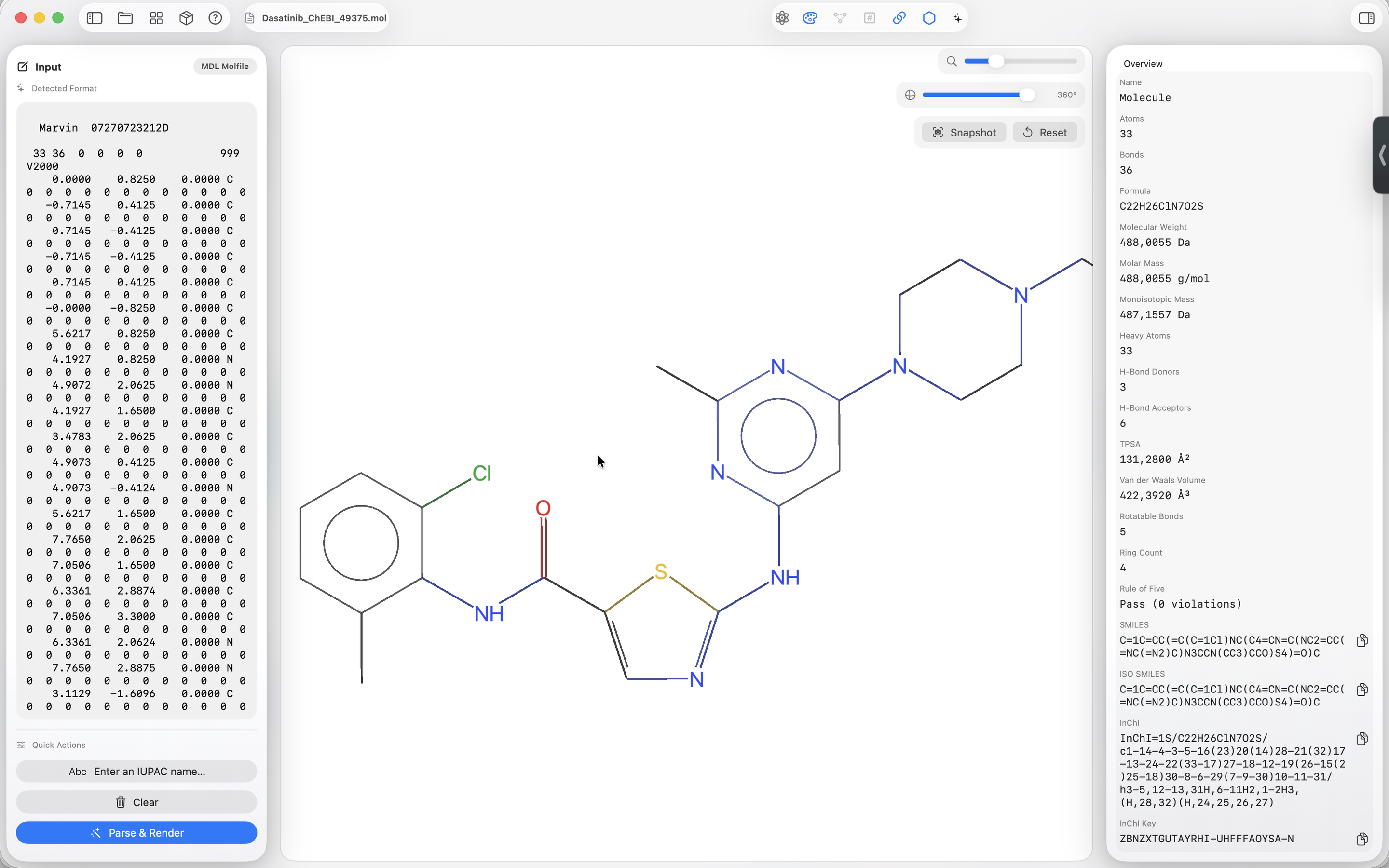
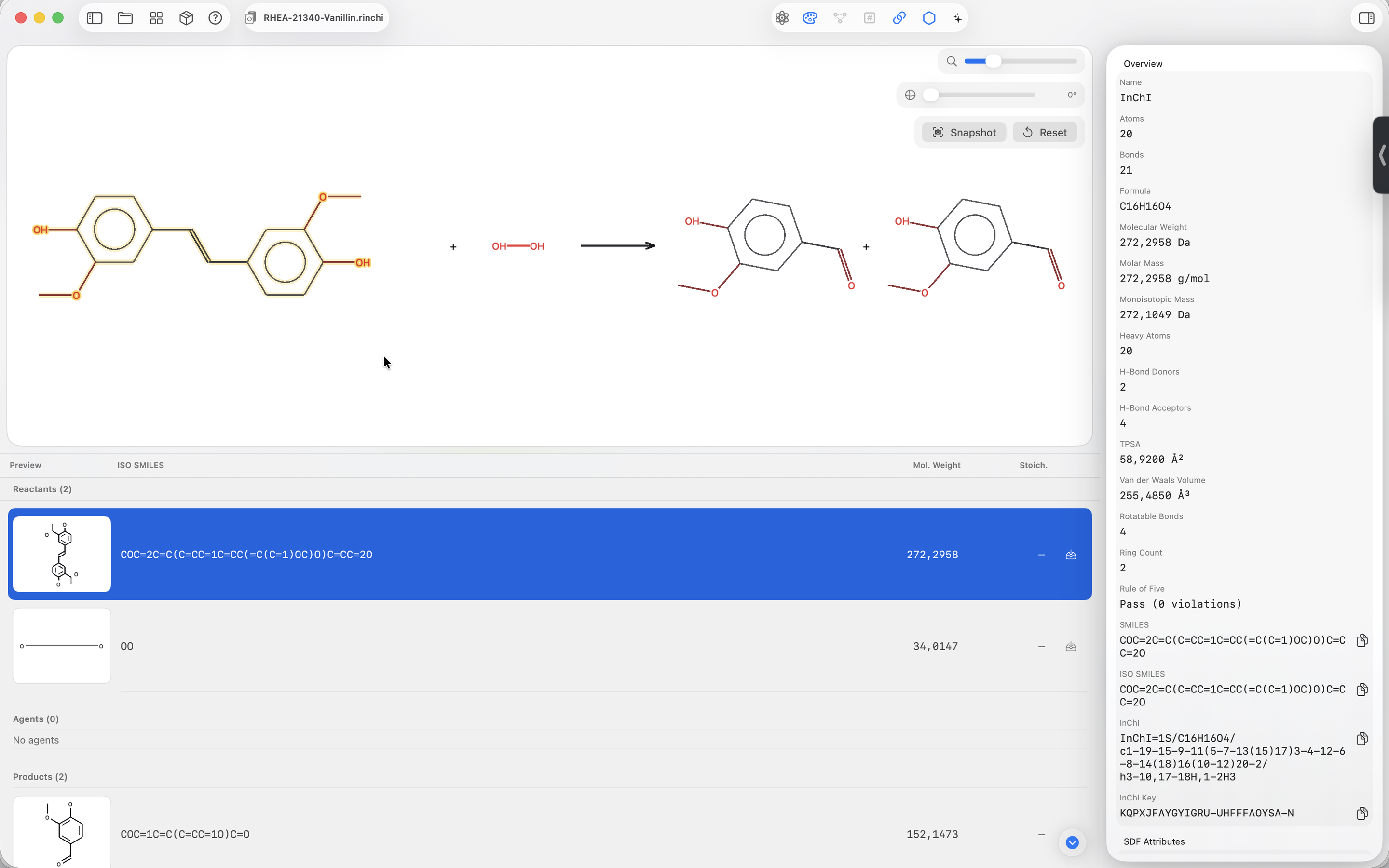
- Render clean 2D molecule views and dedicated reaction views in native Mac and iPad interfaces.
- Generate identifiers: SMILES, isomeric SMILES, InChI, and InChI Key.
- Calculate core properties like formula, molecular weight, monoisotopic mass, LogP, and Rule-of-Five status.
- Save chemistry files into a Managed Repository that can stay local or sync through iCloud.
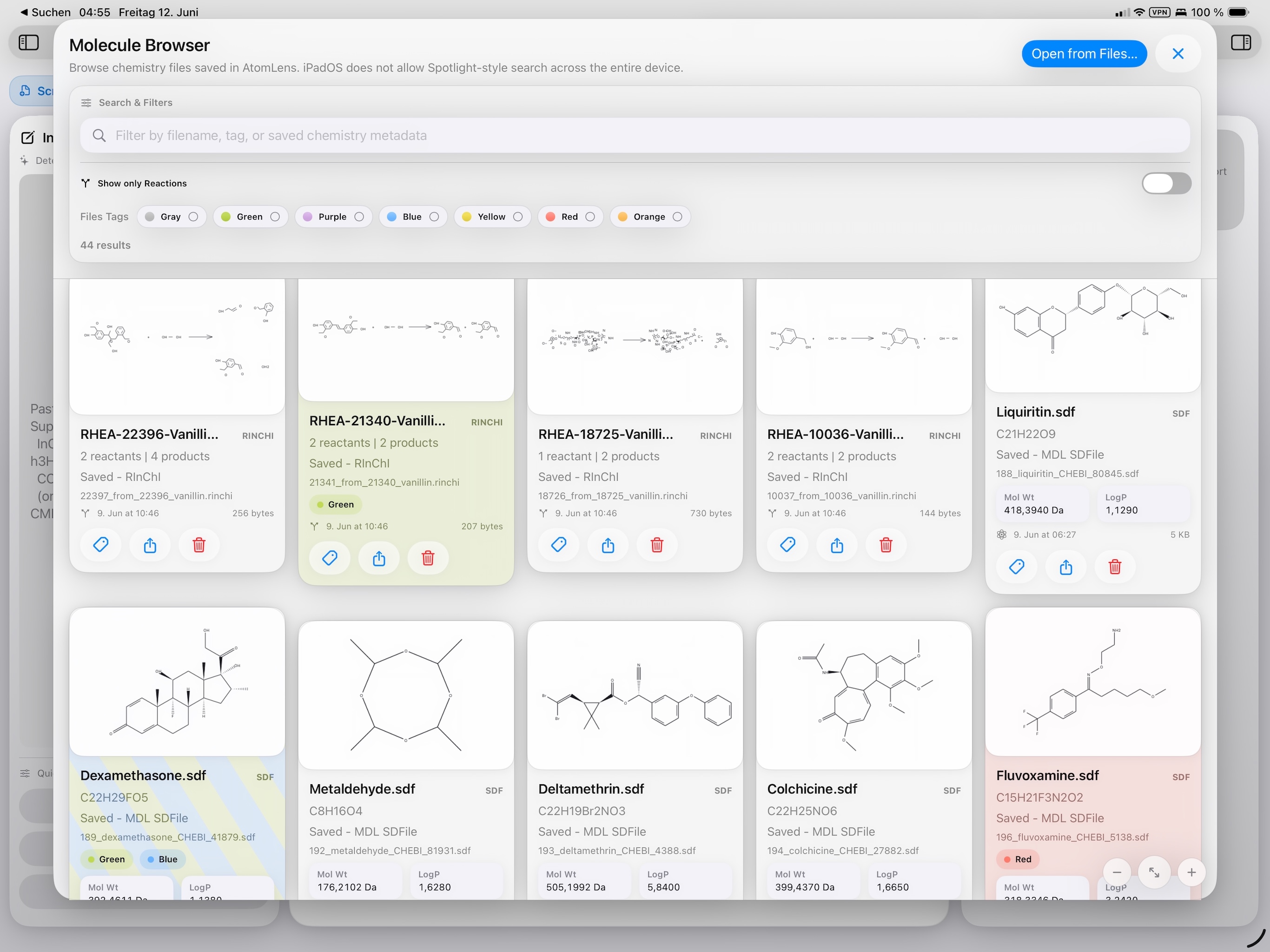
- Browse repository cards with chemistry previews, metadata, tags, sharing, Quick Look, and deletion controls.
- Split multi-structure SDF and multi-reaction SMILES files into individual outputs for downstream work.
- Inspect advanced chemistry notation such as supported Markush R-groups, imported highlights, and reaction-aware CML input.
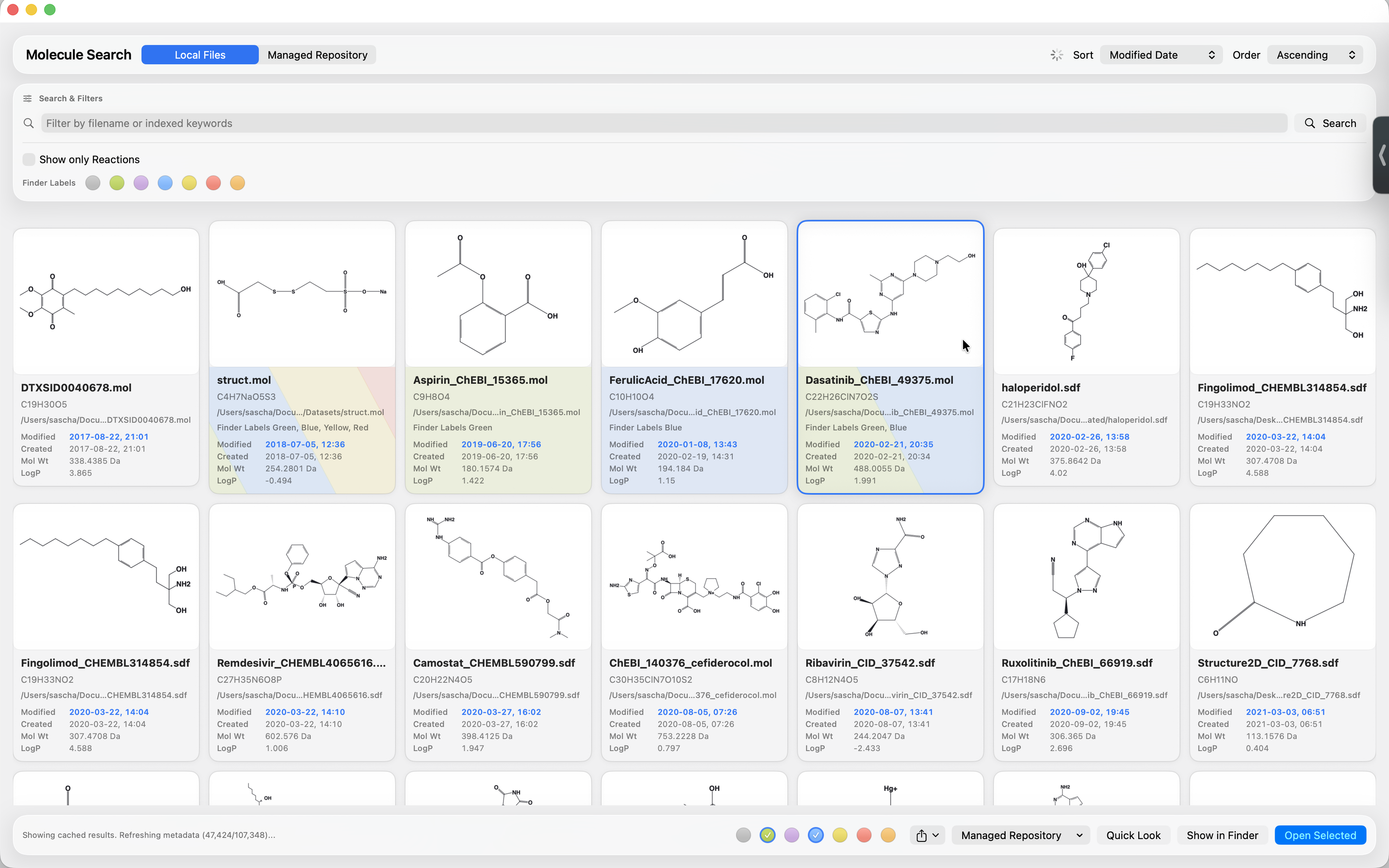
- Search molecule and reaction files locally through Spotlight metadata on Mac and repository-backed search on iPad.
Tip: The Help page includes practical search queries and full format tables.
Designed for local workflows
AtomLens 2.0 brings the same chemistry workspace to iPad while adding a shared Managed Repository for files you want AtomLens to own and reopen directly. Repository content, tags, favorites, and recent-use metadata can sync through iCloud when the per-device setting is enabled.
Standard viewing and extraction are local. iCloud is used only for the Managed Repository when sync is enabled.
What's new?
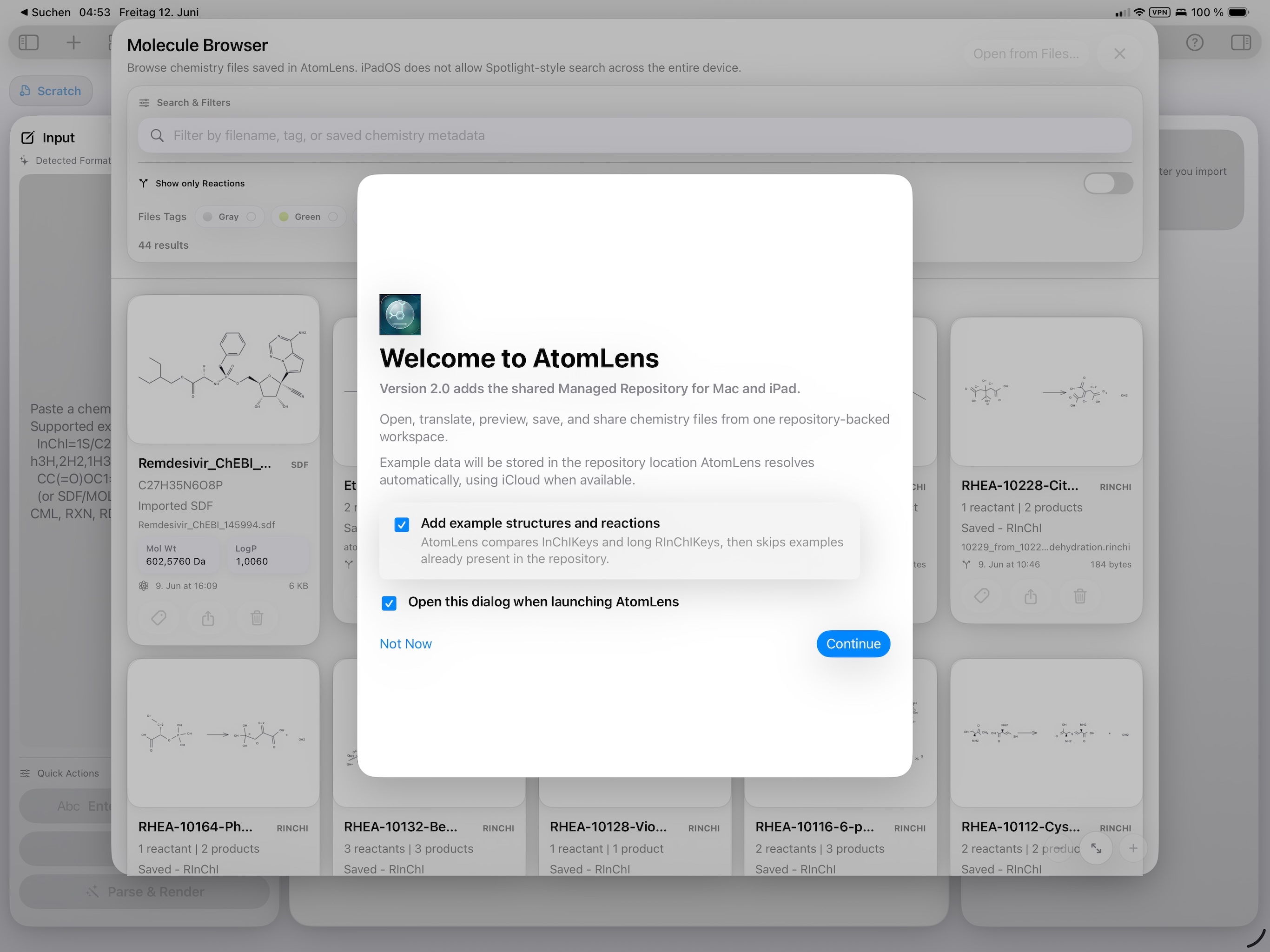
Version 2.0 adds AtomLens for iPad and turns the Managed Repository into a shared library for chemistry files you want to keep together across AtomLens devices.
- New native iPad app for opening, inspecting, saving, extracting, and sharing molecule and reaction files.
- Managed Repository now works across Mac and iPad, with optional iCloud-backed storage when available.
- Repository tags, favorites, and recent-use metadata can travel with synced repository content.
- iPad Files integration exposes AtomLens-owned repository files through the system Files app.
- iPad Quick Look support previews supported AtomLens chemistry files without reopening the app.
- Bundled example data can seed the repository with 20 ChEBI structures and 20 Rhea-derived reactions.
- iPad sharing exports the current depiction as SVG, PNG, or PDF through the system share sheet.
Try sample structures
Use this starter set of molecule and reaction files to test parsing, rendering, extraction, and Quick Look workflows in AtomLens.
Download example structures (ZIP)
Stable link for future site updates: /assets/downloads/atomlens-example-structures.zip
iPad screenshots
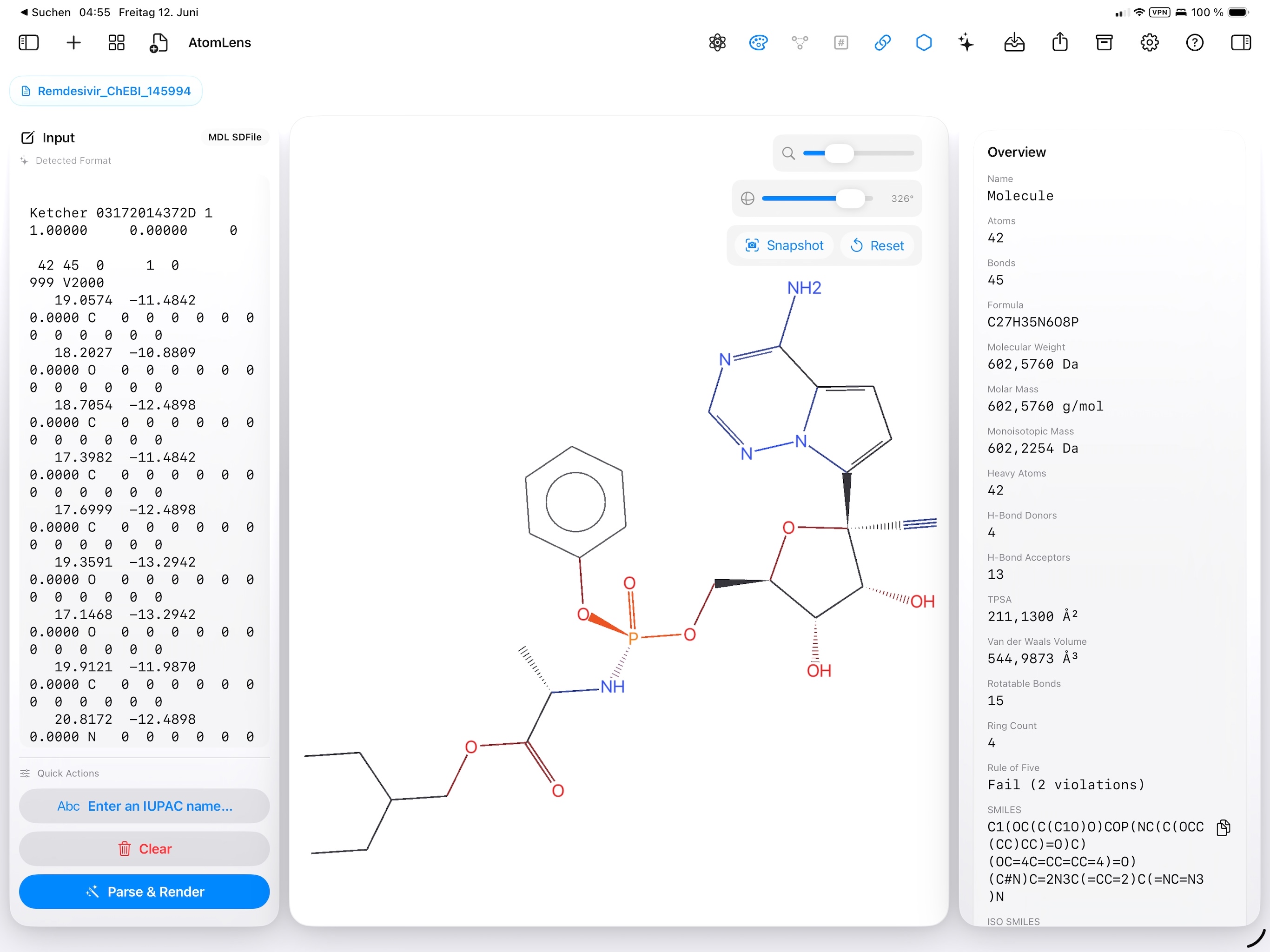
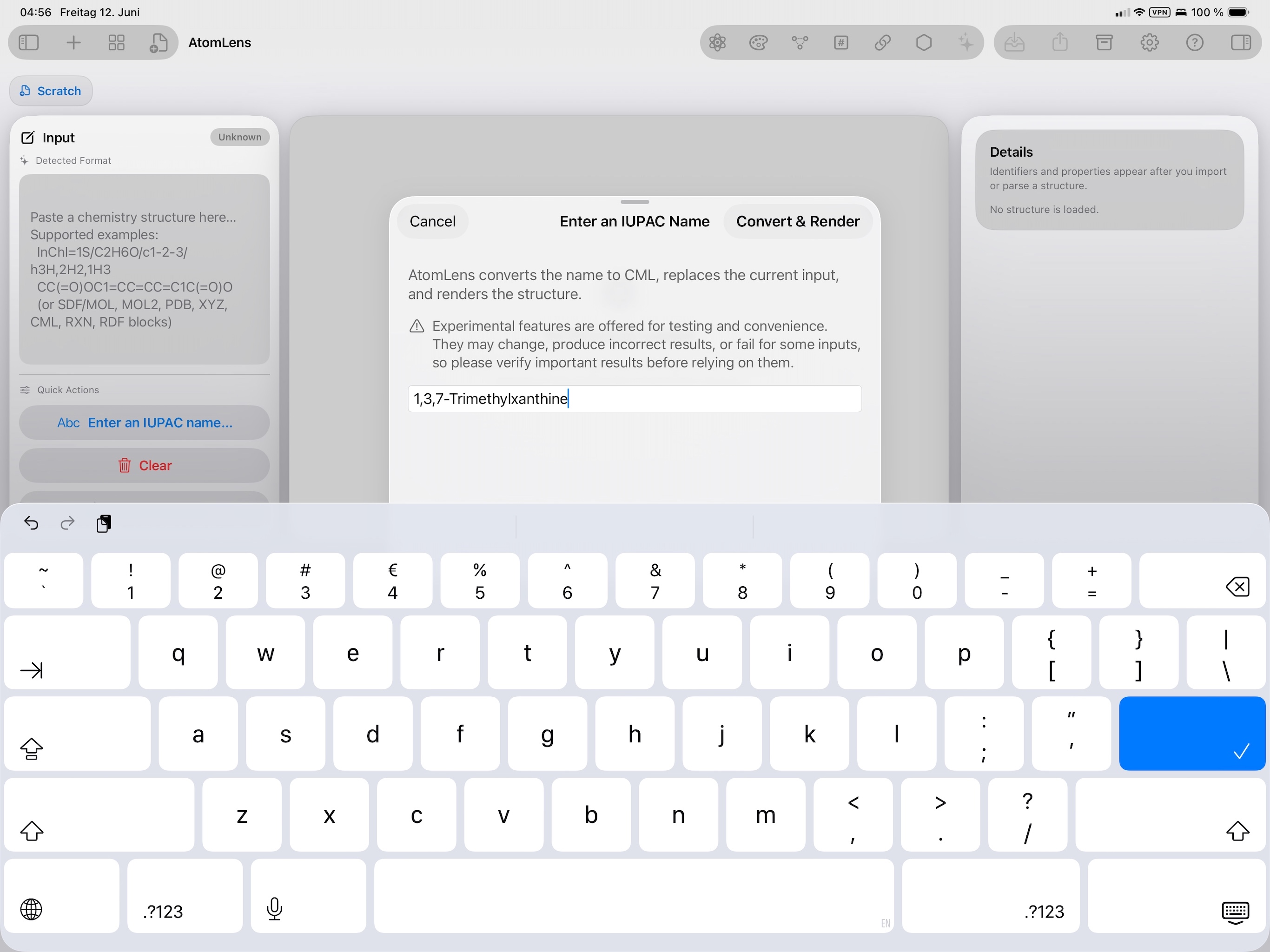
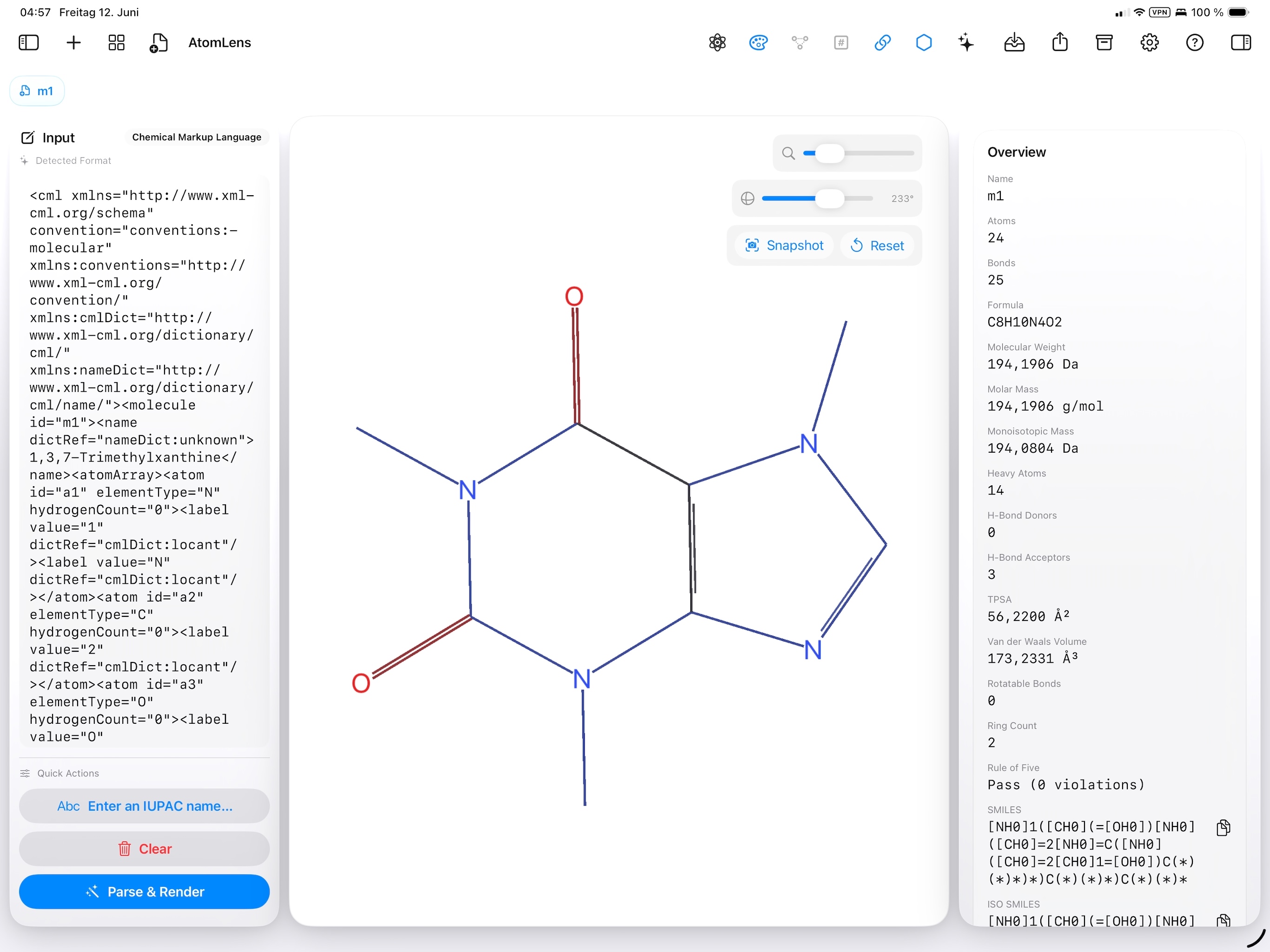
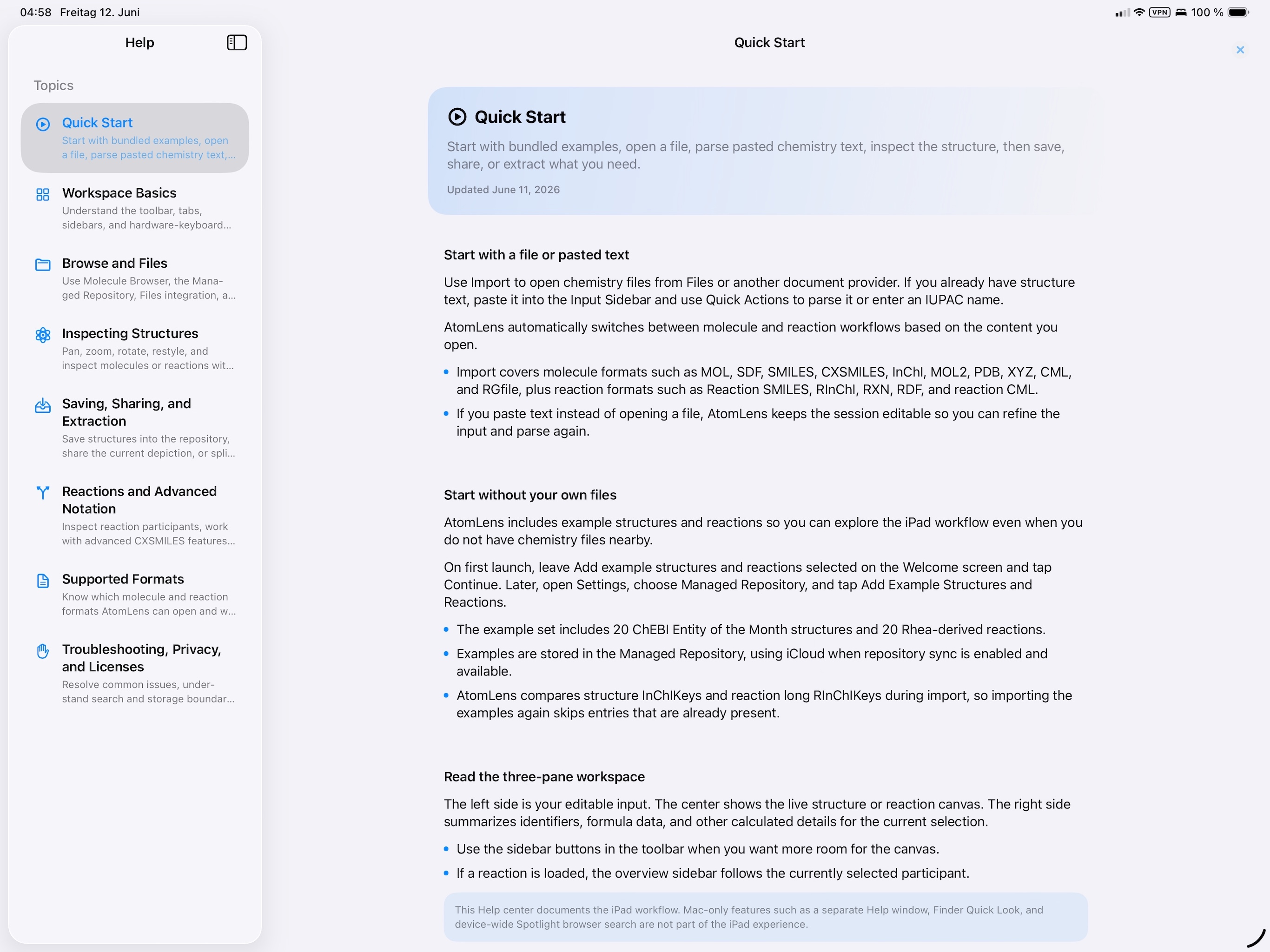
AtomLens on iPad uses a touch-optimized workspace with repository browsing, Files integration, in-app help, structure inspection, and on-device name-to-structure entry.
macOS screenshots
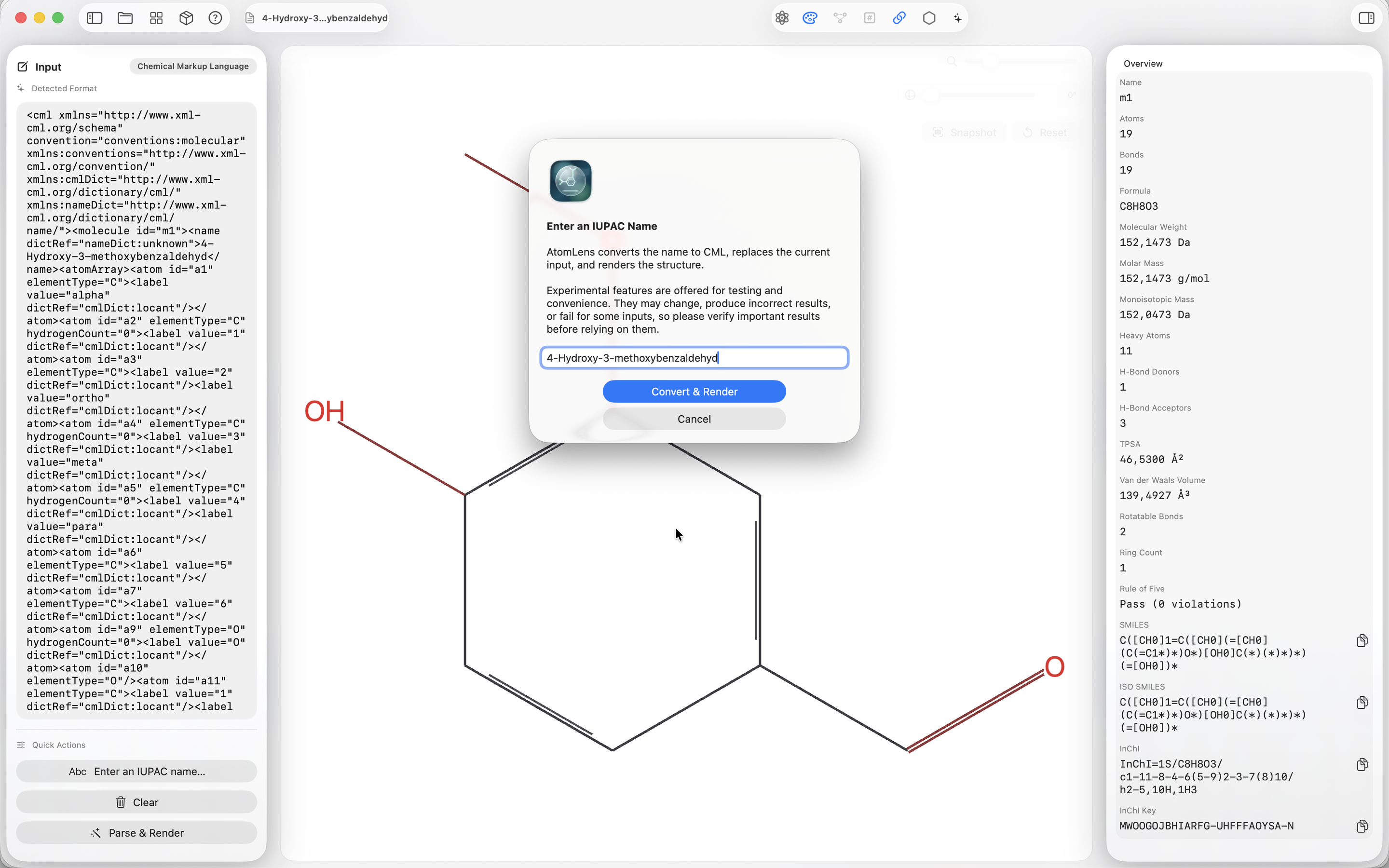
The spark: why this app exists
If you work with molecules, you know the moment: someone sends "the compound" as an SDF attachment, your downloads folder becomes a museum, and a week later you remember it had an InChI Key — but not the filename. Traditional cheminformatics tools are powerful, but the operating system itself still treats molecule files like anonymous text.
AtomLens started as a simple wish: "Finder should be able to preview and search molecules like it previews and searches PDFs." From that, a surprisingly ambitious requirements list fell out:
- Open common chemistry formats: SDF, MOL, SMILES, InChI, and more.
- Render chemist-friendly 2D depictions: aromatic rings read as aromatic, chains are readable, stereo bonds are unambiguous.
- Compute identifiers and properties: SMILES, ISO SMILES, InChI, InChI Key, formula, molecular weight, LogP, Rule of Five.
- Index those values into Spotlight and show them in Finder via Quick Look previews and thumbnails.
- Remain App Store compliant: sandbox-safe, predictable permissions, and no external converter dependencies.
Spotlight, Quick Look, and the macOS "superpowers"
This is the part that makes AtomLens feel "native" in a way most scientific tools do not: structures become searchable and previewable without opening the app. Spotlight indexing adds metadata to molecule and reaction files (SMILES, InChI, InChI Key, formula, weight, LogP, and reaction flags), and Quick Look turns Spacebar into an instant chemistry preview.
We also built a Molecule Browser that queries Spotlight directly. It is essentially a local chemistry-library UI without a separate database - just the macOS index you already have.
Chemistry engine
AtomLens is powered by CDKSwiftNativePort, a Swift-native chemistry toolkit derived from the original Chemistry Development Kit (CDK). It drives molecule and reaction parsing, depiction, identifiers, and property calculations locally on Mac and iPad.
Get help
Full documentation is available here: AtomLens Help.
For feedback and bug reports, email support@losko.de.